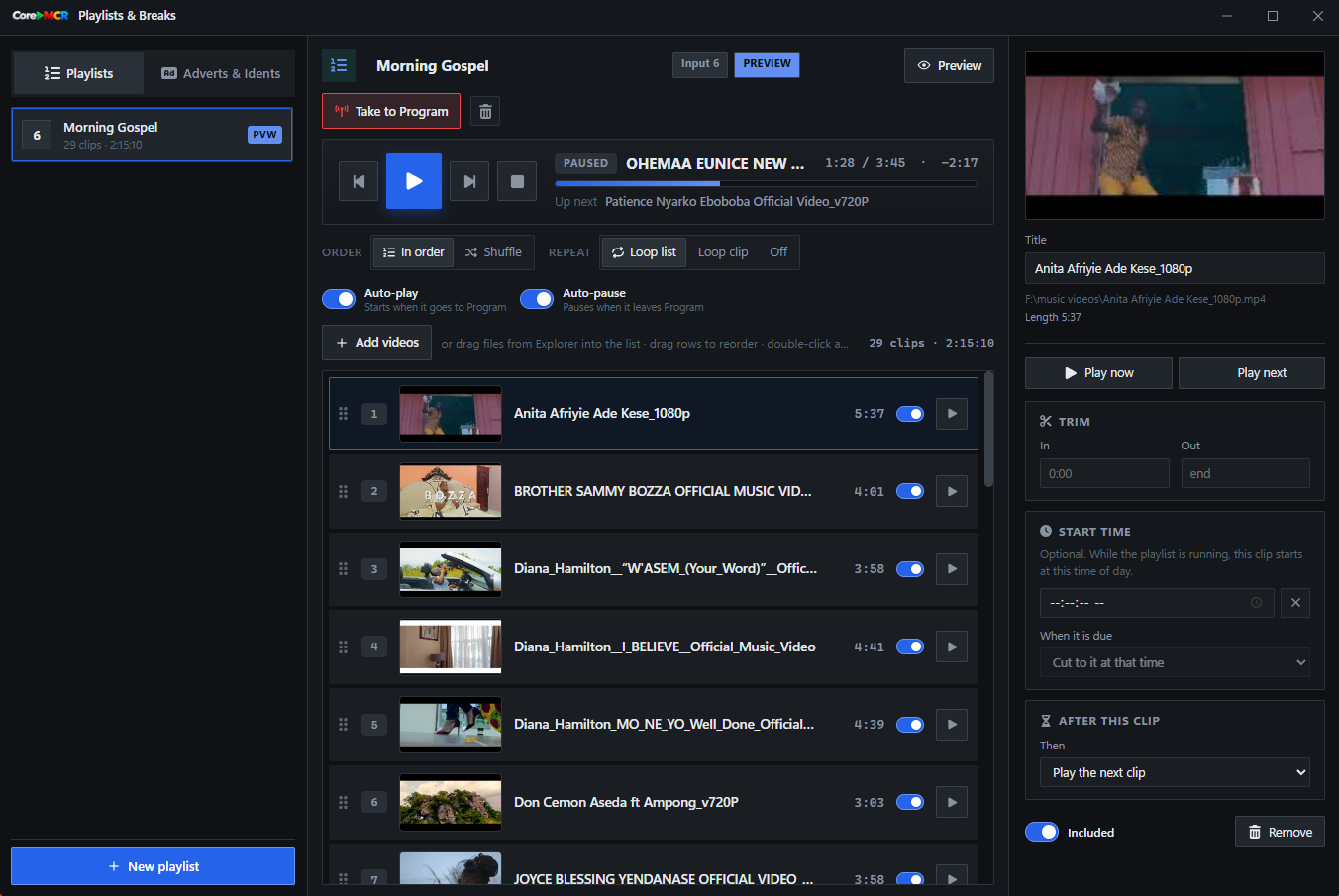
Playlists that keep the show moving
Build and order video playlists, set clips to autoplay or loop, and schedule a clip to start at a chosen time. CoreMCR can keep playback moving while you focus on the rest of the production.
CoreMCR is desktop live-production software for churches, creators and studios. Mix cameras, screens, media and graphics on a real Preview/Program switcher, then stream everywhere at once or record in full quality — no cloud, no monthly fee.
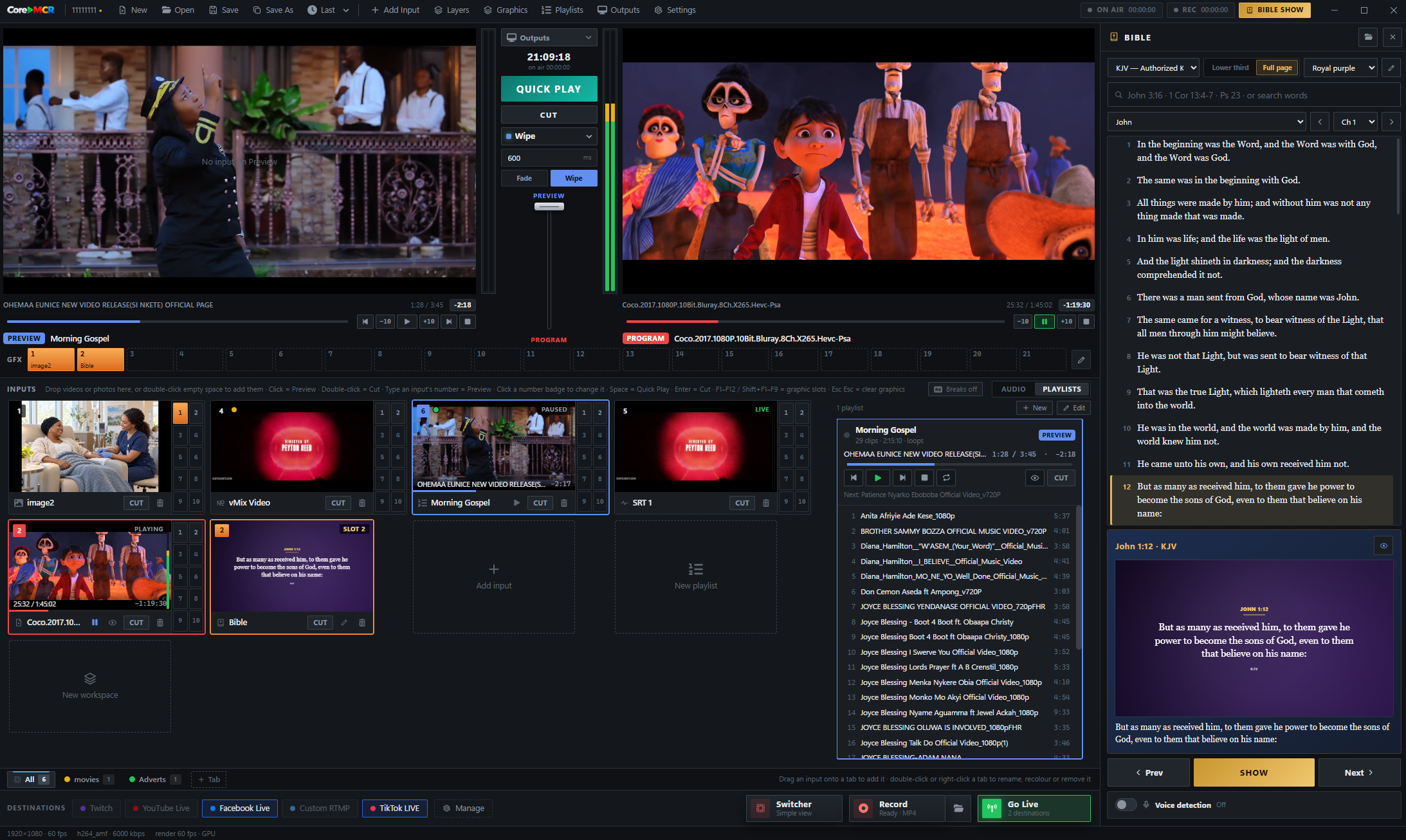
Browse a built-in library of virtual sets, layouts and graphic treatments. Preview a design before it goes on air, then add it to your workspace and assign your cameras or other inputs to each box. Build a coordinated look for your broadcast without starting from a blank canvas.
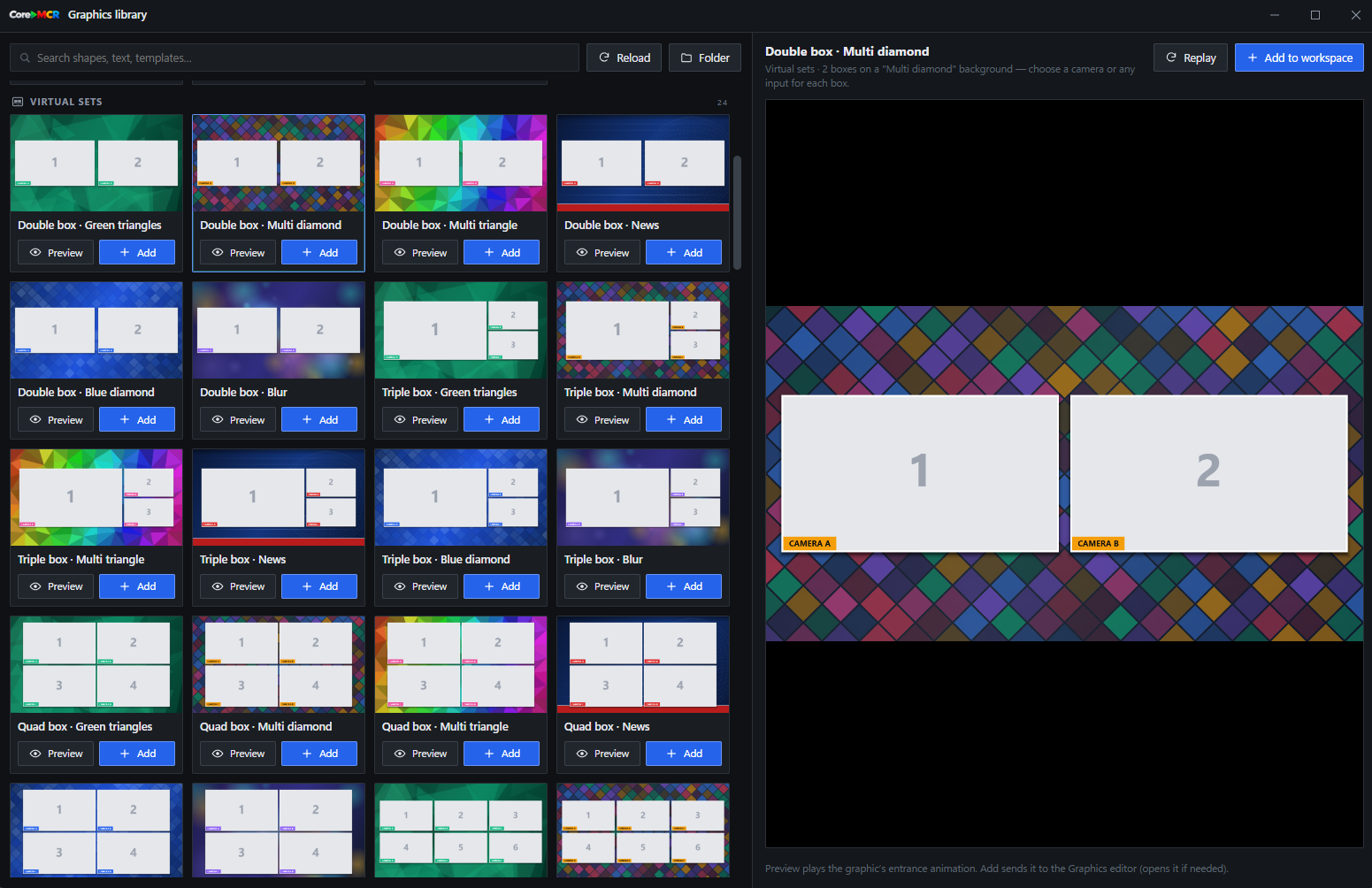
Lower-thirds, full-screen slides and overlays with reusable workspaces you switch between live.
Per-input faders, meters and audio-follows-video so levels track whatever's on Program.
Search any verse and push it to screen as a lower-third or full page — built for worship.
Build and order video playlists, set clips to autoplay or loop, and schedule a clip to start at a chosen time. CoreMCR can keep playback moving while you focus on the rest of the production.
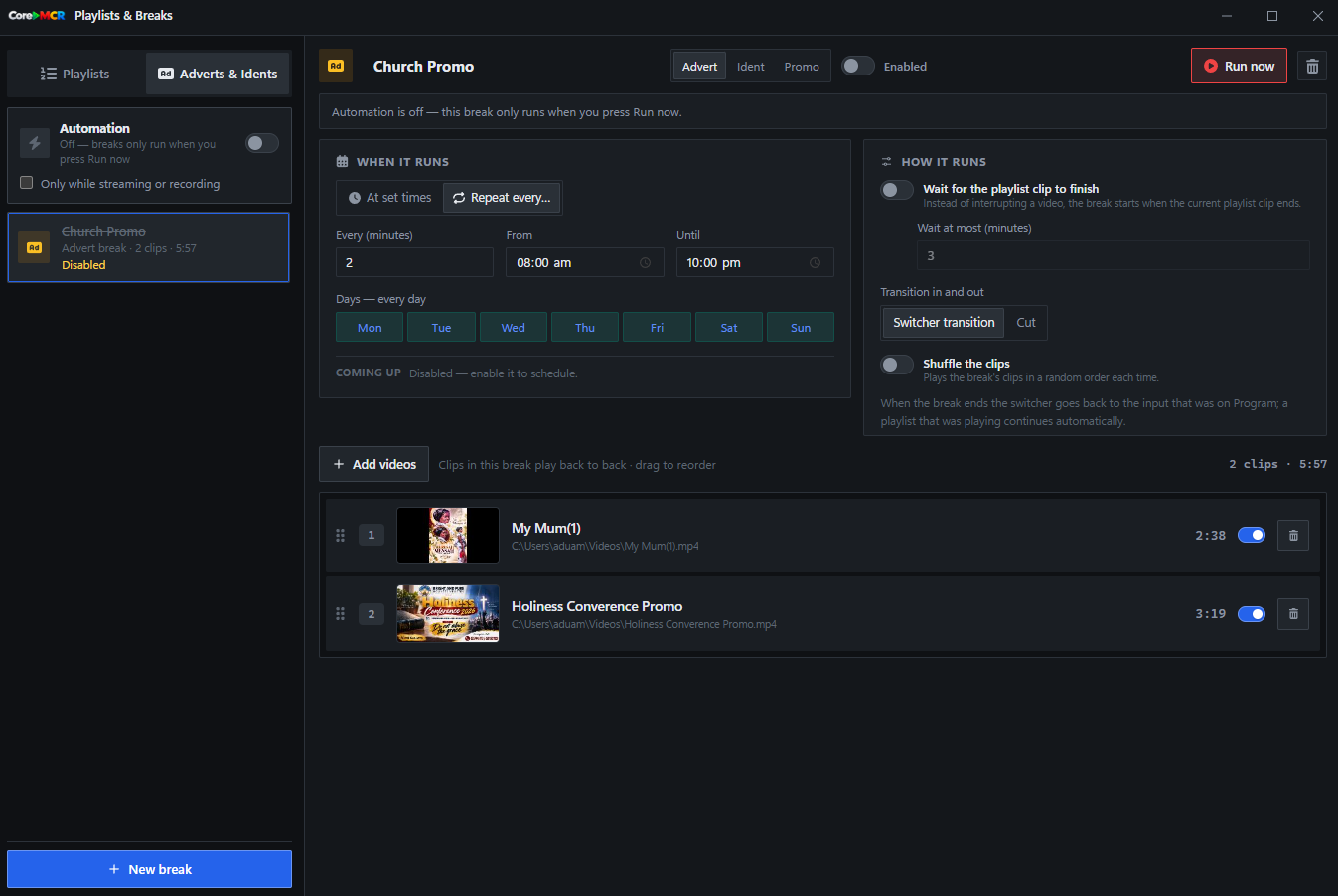
Prepare promotional breaks and station idents, then set when and how they run. Schedule them for set times or intervals, or trigger a break manually; CoreMCR can return to the live program when it finishes.
Push the same Program feed to YouTube, Facebook, Twitch, Kick and your own RTMP or SRT endpoints simultaneously — each with its own bitrate.
Capture a clean local master in MKV, MP4, MOV or TS at full bitrate, independent of what you're streaming. Max adds replay and multi-recording.
Search a passage, choose a translation and style it as a lower third or full-screen verse. Send it to Preview before taking it live, or let offline voice detection follow the speaker and cue verses as they are read. Save your designs in workspaces and reuse them throughout the service.
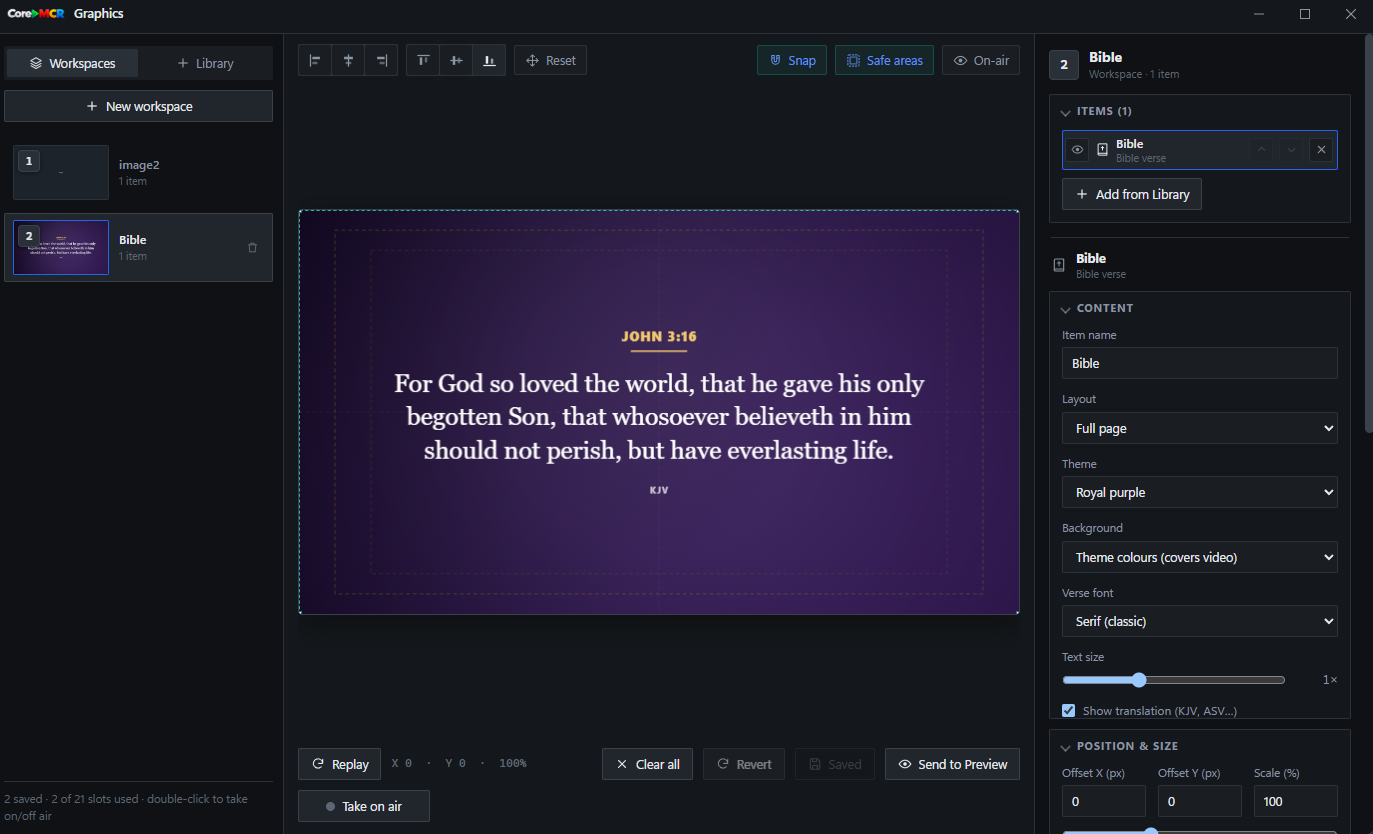
Choose a lower third or full page, select a theme and translation, then save a ready-to-use verse design.
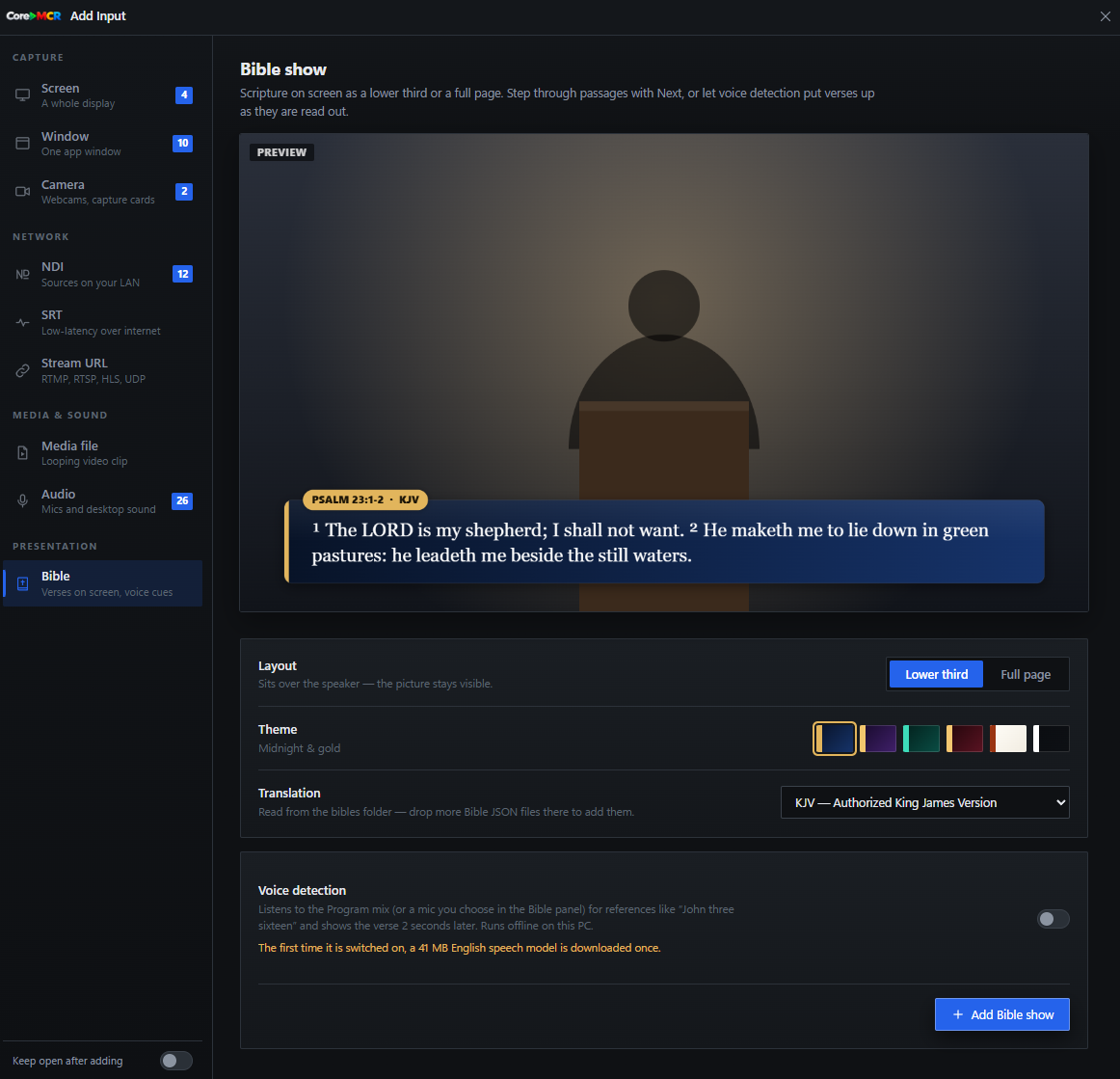
Preview scripture over the camera feed, send it to air, and use voice cues to follow the reading hands-free.
The free demo runs every core tool so you can build your whole show, then unlock a Standard, Pro or Max key when you're ready — no reinstall.
v1.0.1 · 221 MB · Windows 10 / 11 64-bit